
I Tested More Than 10 Tools And These Are The Best Gps Apps For Android


Bad location software wastes time fast. After trying a long run of Android tools on real drives, short stops, and live workdays, I found that the best GPS apps for Android only stand out when they solve an actual problem, whether that is field tracking, family safety, or offline navigation. A pin on a map is easy to promise. Useful location data is harder to deliver.
I started this search out of irritation, not curiosity. Too many calls asking where someone was. Too many timesheets that did not line up with reality. Too much guesswork during late travel, and no good fallback when a phone disappeared.
Plenty of apps claimed precision. Some were accurate but drained the battery within hours. Others lost value the moment the internet dropped. A few gave me coordinates and little else, which felt like raw GPS output before filtering. The signal existed, but the workflow still broke.
So I changed the way I tested. I stopped sampling apps at random and began matching each one to a specific use case.The app matters less than the job you need it to do. Popularity alone will not tell you whether a tool is built for payroll tracking or offline travel.
The app matters less than the job you need it to do. Popularity alone will not tell you whether a tool is built for payroll tracking or offline travel.
The result is this shortlist. It covers the Android options I would actually keep, along with the problem each one solves best.
A Quick Look at the Top Picks
| App Name | Best For | Key Features | Pricing | Free Plan |
|---|---|---|---|---|
| FieldServicely | Field service teams | Live GPS tracking and route history | Standard $9 per user monthly. Elite $12 per user monthly. Enterprise custom. | Yes |
| Buddy Punch | Employee accountability | GPS clock in and geofencing | Starter $19 base plus $4.49 per user monthly. Pro $19 base plus $5.99 per user monthly. Enterprise $19 base plus $10.99 per user monthly. | No |
| Life360 | Family location sharing | Private live map and place alerts | Paid tiers available. | Yes |
| Google Maps | Friend and trip sharing | Live sharing and ETA visibility | Free. | Yes |
| Prey Anti-Theft | Device recovery | GPS tracking and remote lock | Starts at $2.99 monthly. | No |
| Gaia GPS | Hiking and remote use | Offline maps and route planning | Starts at $4.99 monthly. | No |
| Geo Tracker | Recording tracks | Offline GPS logging and GPX export | In-app purchases available. | Yes |
How These Apps Rated in My Testing
| App | My Rating | Stood Out For | Main Drawback |
|---|---|---|---|
| FieldServicely | 9.5 out of 10 | Accuracy for field work and payroll fit | Offline visibility is limited |
| Google Maps | 9.2 out of 10 | Ease of use and free sharing | Needs internet for live updates |
| Gaia GPS | 8.9 out of 10 | Offline navigation | Full features require a subscription |
| Life360 | 8.7 out of 10 | Family alerts and simple setup | Always-on tracking can drain battery |
| Buddy Punch | 8.5 out of 10 | GPS accountability for timesheets | No live route tracking |
| Geo Tracker | 8.4 out of 10 | Battery-friendly track recording | The interface looks plain |
| Prey Anti-Theft | 8.3 out of 10 | Recovery tools for missing devices | Better features are paid |
FieldServicely scored highest overall in my testing because it paired stable live tracking with a workflow that solved a real business problem. Google Maps came closest for everyday use, mostly because it stayed reliable and took almost no effort to start using. Gaia GPS was the strongest pick once the internet disappeared. Geo Tracker was the easiest app to trust on long battery-sensitive sessions.
GPS Tracking Explained
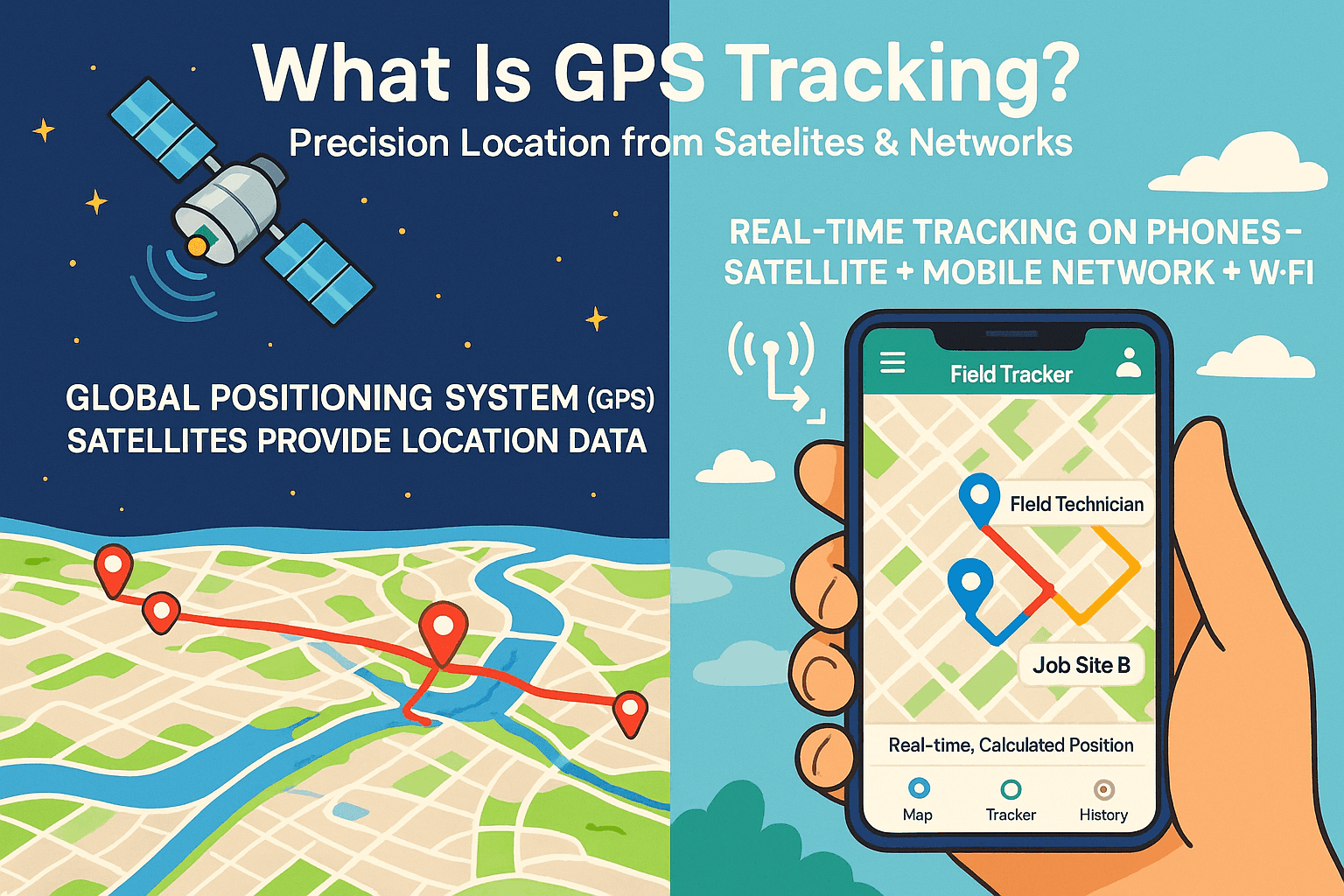
GPS tracking means determining the location of a phone, vehicle, or asset through satellite signals and converting that reading into coordinates on a map. In practical terms, a mobile app reads position data from the Global Positioning System and displays it as a moving point you can follow.
The Global Positioning System is operated by the United States government. In open outdoor conditions, GPS can usually place a device within about 4.9 meters. That level of accuracy is why turn-by-turn navigation now feels routine on Android and on a dedicated satellite navigation device inside a car.
Phones still need more than satellites for smooth live tracking. Most Android apps blend GPS with Wi-Fi and mobile network data so updates arrive quickly. That is why a manager can watch a technician move between jobs with little lag, or why Google Maps can keep trip sharing usable through a web browser as well as on the phone.
How I Chose These Android Apps
Real Use Before Rankings
I ran each mobile app in ordinary situations, including walking routes and vehicle trips. I also added random stops to see how fast the map view settled. Weak apps exposed themselves quickly, usually within the first hour.
Accuracy Under Mixed Conditions
After basic tracking passed, I compared the on-screen position with the actual location, especially in dense urban areas and indoors near Wi-Fi. From what I have seen in GIS work, location quality improves when multiple data sources line up. Android documentation points in the same direction, and these tests reflected that.
Setup That Does Not Waste Time
I checked how long each app took from install to the first live position. Good tools were usable in a few minutes. Poorer ones buried permissions or made onboarding feel uncertain, which usually hints at trouble later.
Battery Use in the Background
Battery drain matters more than many reviews admit. I left tracking active for extended sessions and compared the battery drop across phones. Apps that respect Android background-location guidance were far steadier and less greedy.
Privacy and User Control
Once the tracking worked, I looked at control. Can users set sharing limits? Can they manage alerts and data access? Apps that pushed constant tracking without clear limits did not make this list.
Price and Ongoing Support
I also checked plan limits and recent Google Play feedback. Support quality matters over time, especially when an app handles payroll data or family location information. This ranking is based on function first, then value.
Best GPS App for Android for Field Work
FieldServicely
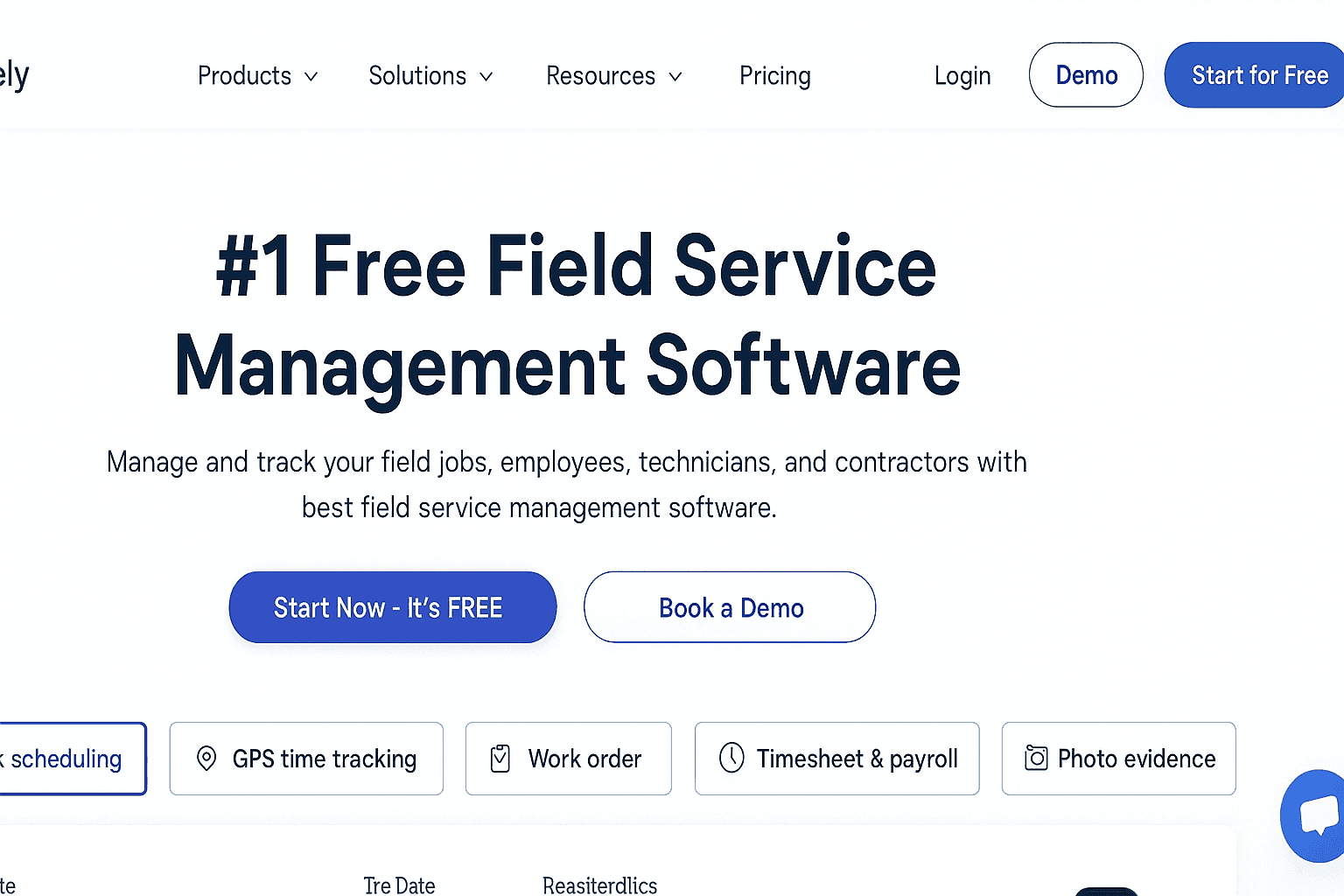
Price - Free plan available. Standard $9 per user monthly. Elite $12 per user monthly. Enterprise custom.
- Real-time GPS tracking with a live map view
- Route planning and route optimization
- Location history with route maps
- Geofenced check-in and check-out proof
- Automatic GPS time tracking for payroll
- Job-linked tracking tied to work orders
FieldServicely impressed me because it disappeared into the workflow almost immediately. I added a few technicians, they installed the Android app, and within roughly 10 minutes I could watch them moving in real time.
The live map felt stable. Pins followed motion smoothly and stopped cleanly when a vehicle stopped. That sounds basic, though anyone who has worked with location data knows how often jitter ruins trust.
Geofencing was the point where the system started solving a real business problem. Staff could only check in after reaching the job area, so timesheet disputes eased off without constant manager intervention. I did not need to police the process because the app handled the location check for me.
Routes, time on site, and attendance were already tied together. Payroll became much simpler, and that change showed up within a week. Instead of reconciling inconsistent records by hand, I was approving data that already matched the field.
I paid close attention to battery use. In my testing, FieldServicely stayed reasonable in the background, which lines up with modern Android location practices. After two weeks, it felt less like a tracker and more like an operations layer over the map.
If you are asking what is the best GPS app for Android for field teams, this is the strongest answer here. It also makes a solid case as the most accurate GPS app for Android in work settings because the live position and job context stay tightly aligned.
- Pros - Accurate live tracking and route history
- Pros - Attendance, jobs, and payroll stay connected
- Cons - Deeper customization needs the Enterprise plan
- Cons - Offline visibility is limited
Best for teams that need a GPS time clock on Android along with field tracking that ties directly to jobs and payroll.
Buddy Punch
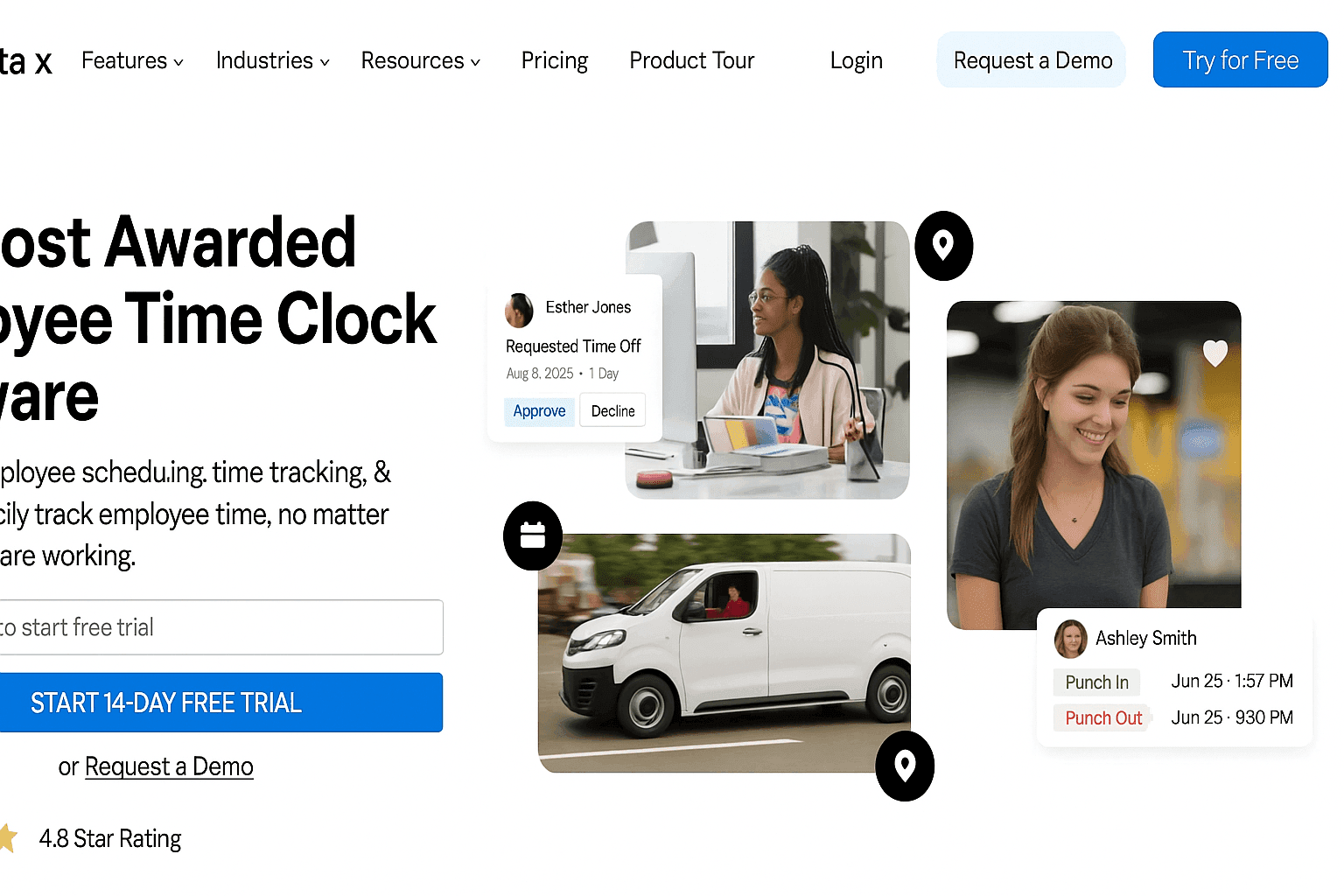
Price - Starter $19 base plus $4.49 per user monthly. Pro $19 base plus $5.99 per user monthly. Enterprise $19 base plus $10.99 per user monthly.
- GPS clock in and clock out
- Geofencing for approved work areas
- Location stamps on timesheets
- Photo capture for verification
- Edit history with manager approval
Buddy Punch is built around accountability first. I noticed that right away, and in this case the narrow focus helps.
Setup was refreshingly quick. I sent invites, added a short note, and people were clocking in that same day. The whole thing took less than 15 minutes to get moving, which is rare for time software.
The main strength is GPS punching from approved places only. That shut down buddy punching faster than I expected. I did not need to keep collecting screenshots because the location stamp covered the issue.
Edit requests also felt fair. If someone missed a punch, the system kept a visible record of the correction and approval. That removed a lot of payroll friction.
It does have limits. You do not get live route playback or broader field-job tracking. Still, if the goal is trustworthy time data, Buddy Punch handles that cleanly.
- Pros - Simple for employees to use
- Pros - Strong control over GPS-based punches
- Cons - No live route tracking
- Cons - Weak fit for complex field workflows
Best for teams that want straightforward GPS-based time tracking without carrying a larger field platform.
Apps for Family and Friend Sharing
Life360
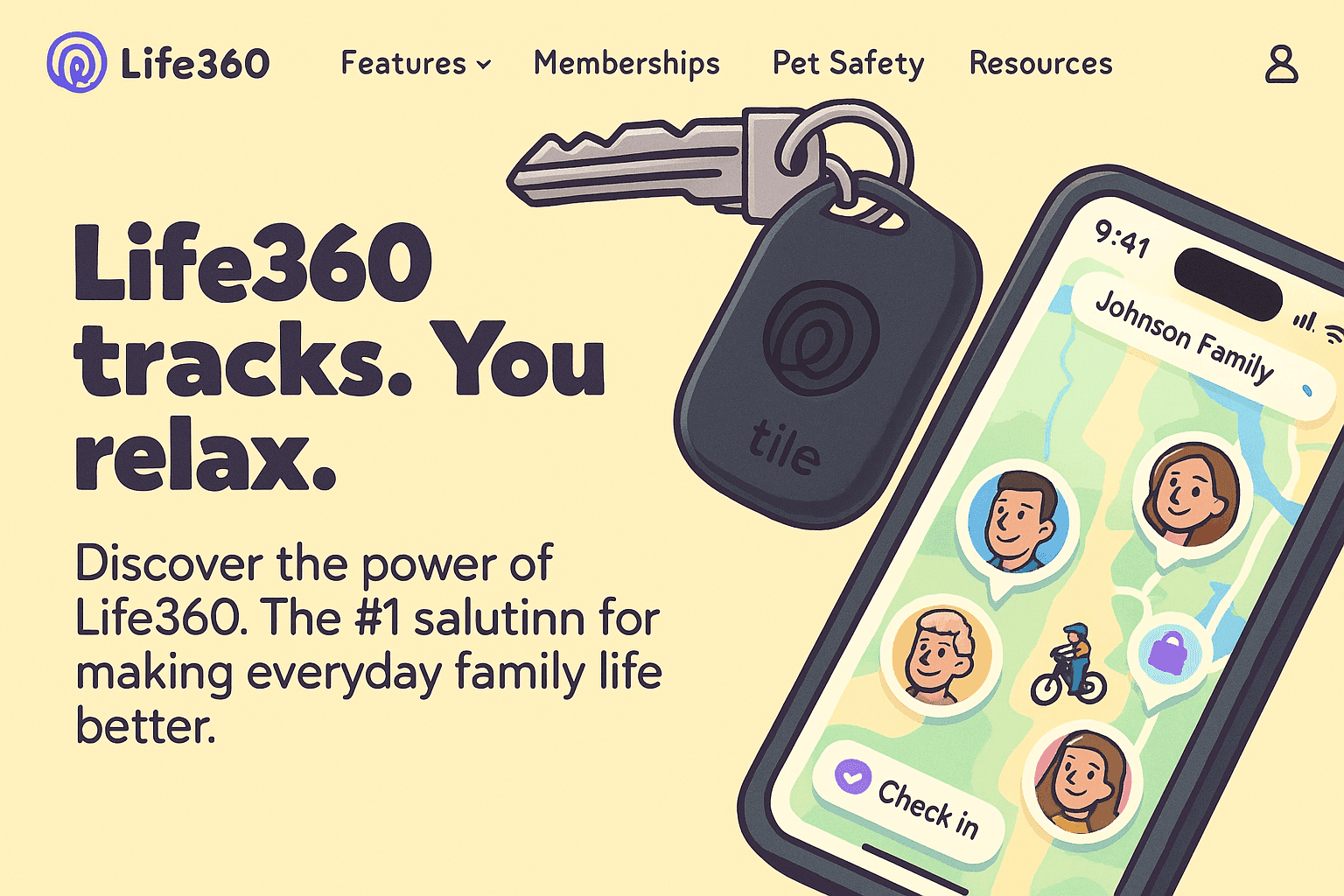
Price - Silver, Gold, and Platinum plans are available. Cost depends on features and billing cycle.
- Private family map with live location
- Place alerts for routine locations
- Location history
- Crash detection and SOS support
- Driving summaries
Life360 feels like a family safety tool before it feels like a tracker, and that distinction matters. It does a good job of reducing the sense that someone is being watched.
Setup was easy. I created a circle, sent invites, and within a few minutes the phones appeared on the map. No explanation was needed, which is usually the best usability test.
The alerts changed how often I opened the app. Messages like arriving home or leaving school replaced the need for constant checking. That is where Life360 earns its place.
I also ended up paying more attention to the driving summaries than I expected. Hard braking and speed events gave useful context over time. That information can be genuinely helpful when everyone agrees on boundaries.
Consent is the weak point with any family tracker. Without trust, persistent sharing can feel intrusive. Used well, though, Life360 turns worry into a quieter background signal.
- Pros - Very easy to begin using
- Pros - Place alerts reduce unnecessary check-ins
- Cons - Always-on tracking can drain battery
- Cons - It can feel invasive if expectations are unclear
Best for families and close groups who want reassurance without turning daily movement into surveillance.
Google Maps
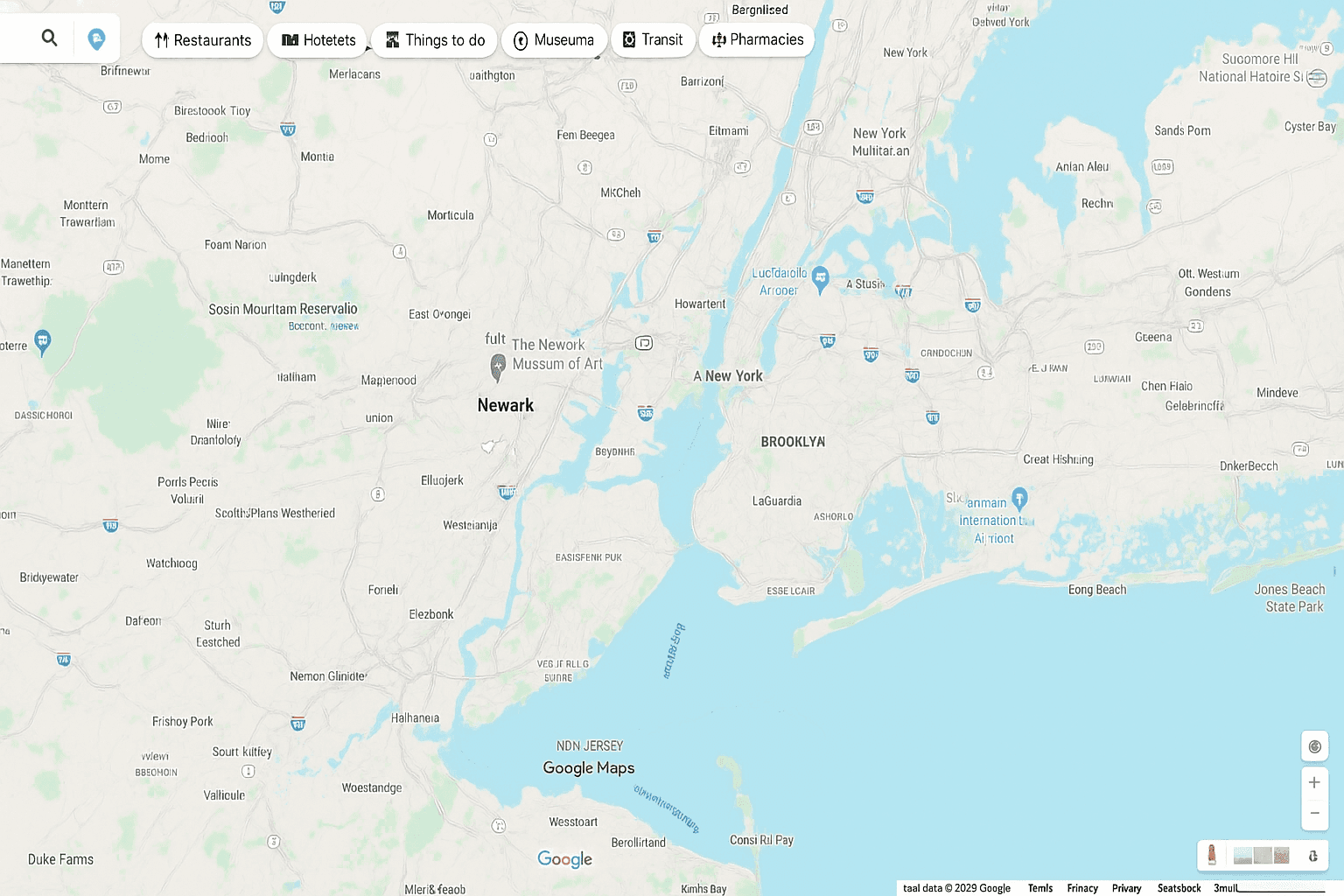
Price - Free.
- Live location sharing
- Timed sharing that ends automatically
- ETA sharing during navigation
- Works on Android, iPhone, and the web
I began using Google Maps location sharing simply because it was already on the phone. After a few real situations, it became clear why so many people stick with it.
One of the best tests came during a crowded city event. I shared my position for one hour instead of texting directions. Friends followed the map and found me faster than usual. The app removed the usual noise.
It also worked well during road travel. Family could see the route and arrival time, so the constant where-are-you calls stopped. That small shift matters more than it sounds when you are driving.
Late-night sharing was another practical use. I could share my trip temporarily, then let the timer shut it off on its own. That built in a useful privacy limit without extra effort.
Accuracy was consistently solid on highways and in city traffic. If someone asks for the best free GPS tracking app for Android, Google Maps is the easiest answer. It is also among the most accurate GPS app choices for Android in ordinary daily use, especially where mobile data is available.
- Pros - Free and widely available
- Pros - Timed sharing helps with privacy
- Cons - Live updates need internet access
- Cons - It lacks family-specific controls
Best for meetups, travel, or basic personal safety when you want simple sharing with no added cost.
Prey Anti-Theft
Price - Starter $2.99 monthly. Business tiers range from tracking-focused plans to a full suite.
- Live GPS tracking for missing devices
- Remote lock and remote wipe
- Support across Android and desktop platforms
- Theft evidence tools such as screenshots and camera captures
I first paid attention to Prey because device loss kept showing up during travel and remote work. I wanted something centered on recovery rather than simple alerts.
A colleague misplaced an Android phone during a client visit, and Prey was already installed. He signed in from another device and within minutes the dashboard showed the phone moving across the city. At that point the situation was clear.
The remote controls made the difference. He locked the device and pushed a custom screen message while protecting work email and other sensitive data. Later, the evidence tools helped with the police report because there was something concrete to hand over.
I tested Prey later on both a phone and a laptop. Setup took under 10 minutes, and the app stayed light in the background. The structure is practical, a bit like having a clean map overlay ready before the signal goes bad.
- Pros - Strong cross-platform support
- Pros - Remote actions protect data quickly
- Cons - Better features are paid
- Cons - Free coverage is limited
Best for Android users, remote teams, and IT admins who need location recovery and device protection across mixed hardware.
Offline and Outdoor GPS Apps
Gaia GPS
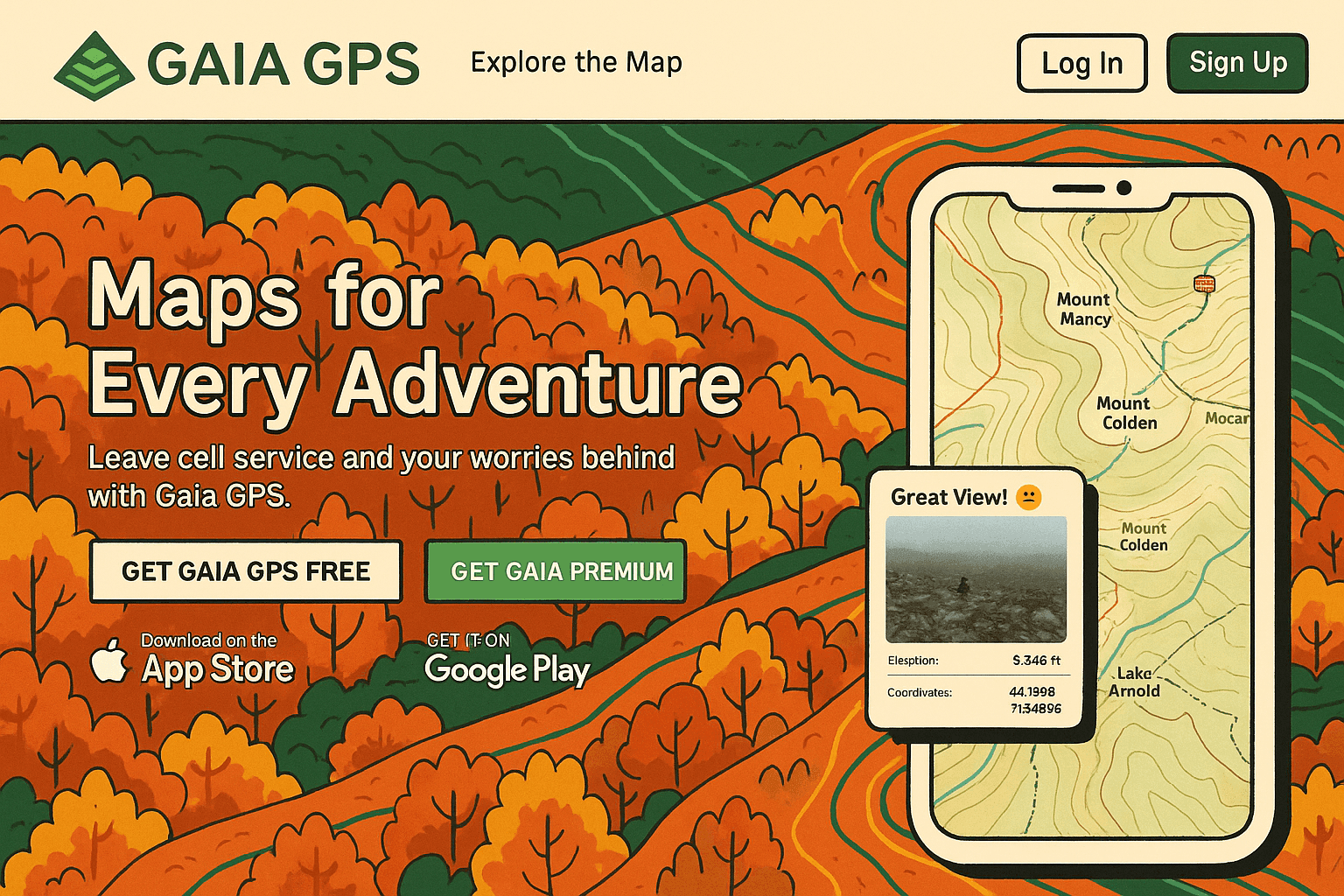
Price - Premium starts at $4.99 monthly. Outside+ starts at $7.49 monthly.
- Offline maps for remote areas
- Large map-layer library with terrain and weather data
- Route planning with elevation details
- Safety layers for wildfire and snow conditions
I started using Gaia GPS after losing cell service on mountain trails and watching standard navigation fail right when I needed it. That is where a purpose-built outdoor app separates itself from city mapping.
Before heading out, I downloaded the maps at home. On the trail, Gaia GPS kept a stable lock even without service and under tree cover. That alone made it useful.
Route planning was the bigger gain. Seeing elevation in advance changes pacing decisions in a very practical way. I also leaned on the topo layers and land-boundary data more than expected.
Weather information turned out to be useful as well. A quick check the night before a hike gave me a better read on conditions, and saved me from relying on guesswork. Waypoints for camps or water sources made longer routes easier to manage.
Battery use in offline mode stayed reasonable through a full day outdoors. Gaia GPS feels focused, and that focus is its strength.
- Pros - Excellent offline performance
- Pros - Detailed mapping for outdoor travel
- Cons - Full features require a subscription
- Cons - The interface can feel dense at first
Best for hikers and backcountry travelers who need dependable navigation once the internet disappears.
Geo Tracker
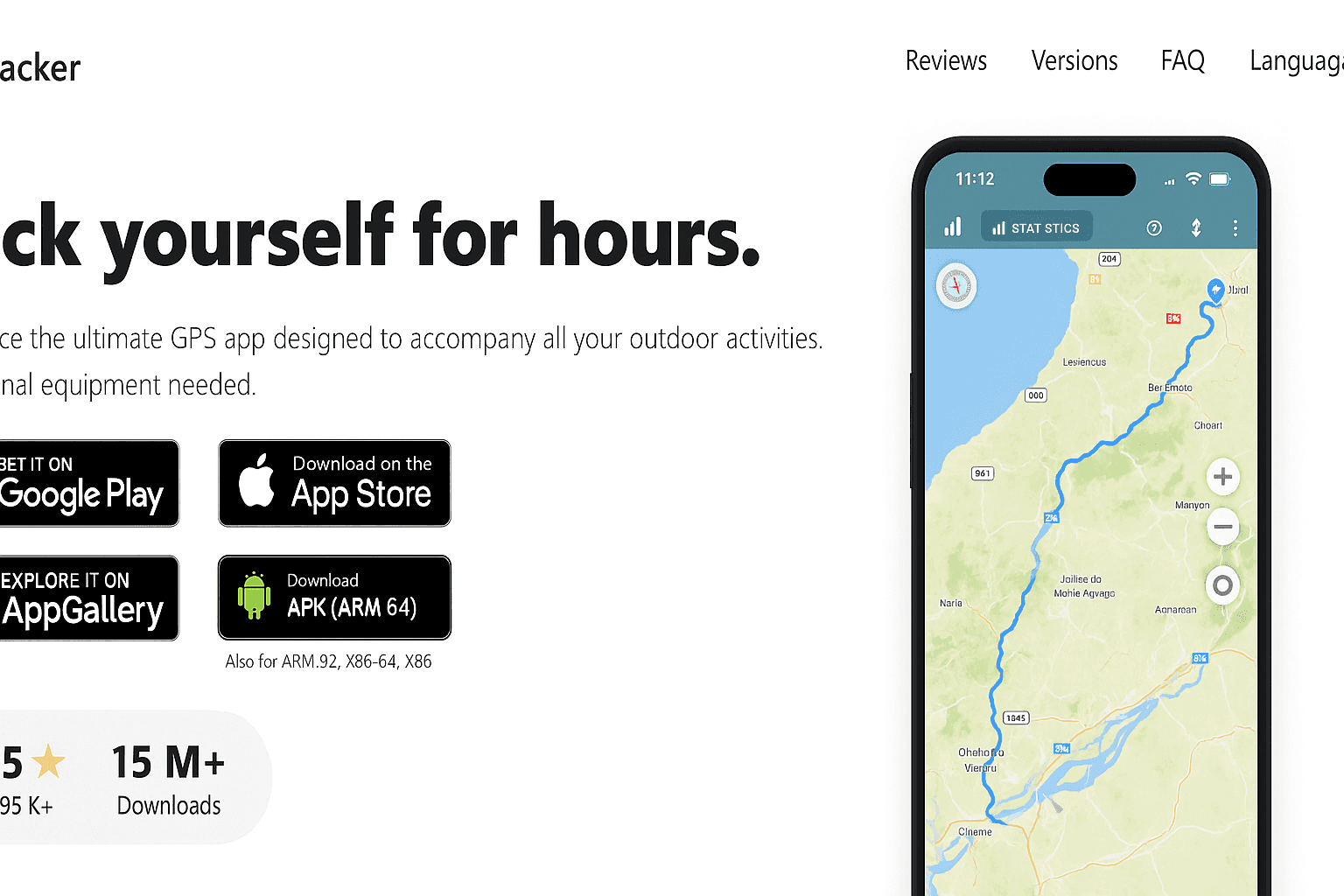
Price - Free version available. Advanced tools are sold through in-app purchases.
- Accurate track recording over long sessions
- Offline GPS-only use
- Efficient background tracking
- Export in GPX, KML, and KMZ
I used Geo Tracker for a simple reason. I wanted to log walks and hikes without draining the phone before the route ended.
It held up well. On a full-day hike with no internet, the track stayed clean and usable. No strange jumps, no obvious gaps. That consistency matters more than visual polish.
Battery performance was also strong. After several hours of recording, I still had enough charge left to get back comfortably. For outdoor use, that is a real advantage.
The stats screen stays readable, and I liked that all location data remains on the device unless I choose to share it. In an era where data spills across services too easily, that local-first approach is refreshing.
- Pros - Very battery-friendly
- Pros - Strong privacy with local data storage
- Cons - The interface looks plain
- Cons - It lacks richer terrain layers
Best for hikers, walkers, and cyclists who want reliable offline track recording with modest battery use.
Conclusion
I used to assume most GPS tools were interchangeable. Install one, allow permissions, and hope the coordinates lined up with real life. That assumption cost me time and created unnecessary friction.
The better lesson was simpler. Choose the app by the problem you need to solve. FieldServicely is the best GPS app for Android for business operations. Google Maps is the best free GPS tracking app for Android for everyday sharing. If pure location accuracy is the priority, FieldServicely and Google Maps were the most dependable in my testing, while Gaia GPS stood out once cell coverage vanished.
That is really the purpose of this page. It shortens the trial-and-error phase and points you toward an app that fits the work, the trip, or the device in your hand.
Frequently Asked Questions
What Is the Best GPS App for Android
For field teams, FieldServicely is the strongest overall pick because it combines live location, attendance controls, and GPS time tracking in one place. For general personal use, Google Maps remains the easiest all-around choice.
What Is the Most Accurate GPS App for Android
In my testing, FieldServicely was extremely reliable for live employee tracking, while Google Maps stayed highly accurate for consumer location sharing and road travel. Accuracy improves further when the app can use GPS along with Wi-Fi and mobile network data.
What Is the Best Free GPS Tracking App for Android
Google Maps is the best free option for most people because it handles live sharing well and is already installed on many devices. FieldServicely also offers a free entry point if you need business-focused tracking with geofencing and route visibility.
Is There an Android GPS App With Traffic Monitoring
Google Maps is the most practical answer here. It shows live traffic information, incidents, and suggested route changes. Waze is also strong for traffic-heavy driving, while Here WeGo and Sygic are worth a look if you want alternatives to Google or Apple Maps style navigation.
It is useful to remember that the broader ecosystem spans Android and the App Store from Apple, with products shaped by Google and Apple Inc. Even so, the Android picks above were the ones that held up best once I moved past store listings and put them into real use.


