
Best GIS Software: Mapping And Spatial Tools Compared


Choosing the best GIS software can define how efficiently you handle mapping, spatial analysis, and geospatial data. In this guide, we summarize how each geographic information system software performed in hands‑on use, highlighting strengths for vector and raster workflows, cartographic output, and remote sensing.
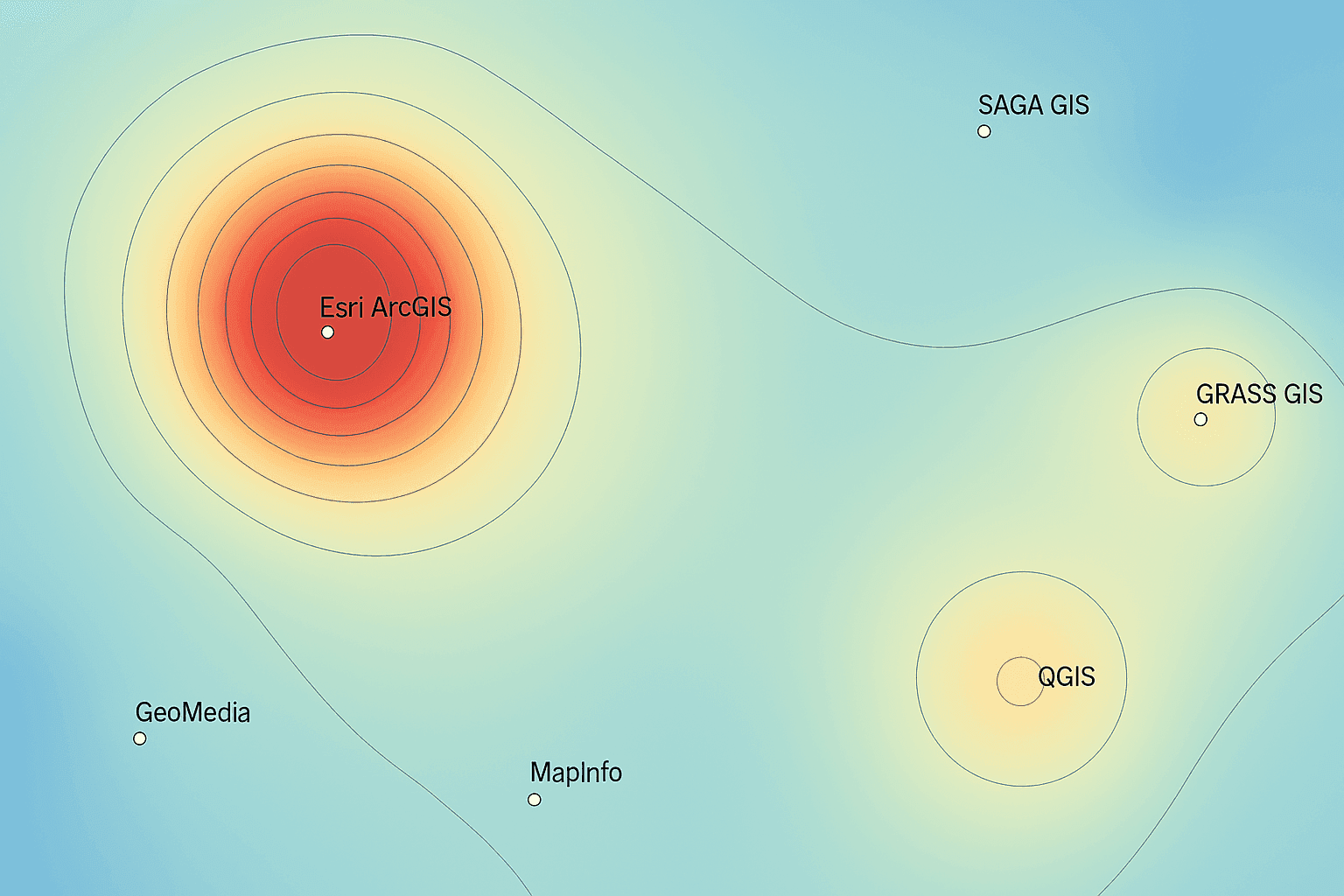
Ranking Criteria for GIS Software
Rather than relying on a single metric, we tested each platform as a complete GIS tool, checking speed, stability, and the interface while running common mapping tasks. Our evaluation spanned spatial analysis for raster and vector data, cartographic output, and imagery handling.Innovation and Data Science— AI/ML options, IoT connections, indoor mapping, and integrations for web maps and data pipelines.Imagery and Remote Sensing— georeferencing, LiDAR handling, image classification, and photogrammetry workflows.Editing and Data Management— feature creation and updates, attribute table work, topology repair, geocoding, metadata, and catalog browsing.Cartographic Production— map layouts, coordinate systems, symbology, labeling and annotation, animation, 3D scenes, and automated map output.Analysis Tools— temporal processing, geostatistics, network modeling, and scripting for repeatable spatial analysis.Support and Community— documentation quality and active user forums for troubleshooting datasets and workflows.
Beyond feature depth, we considered interface clarity, application responsiveness with larger datasets, and the frequency of errors during typical GIS mapping tasks.
1. Equator Studios — Online GIS Mapping Software
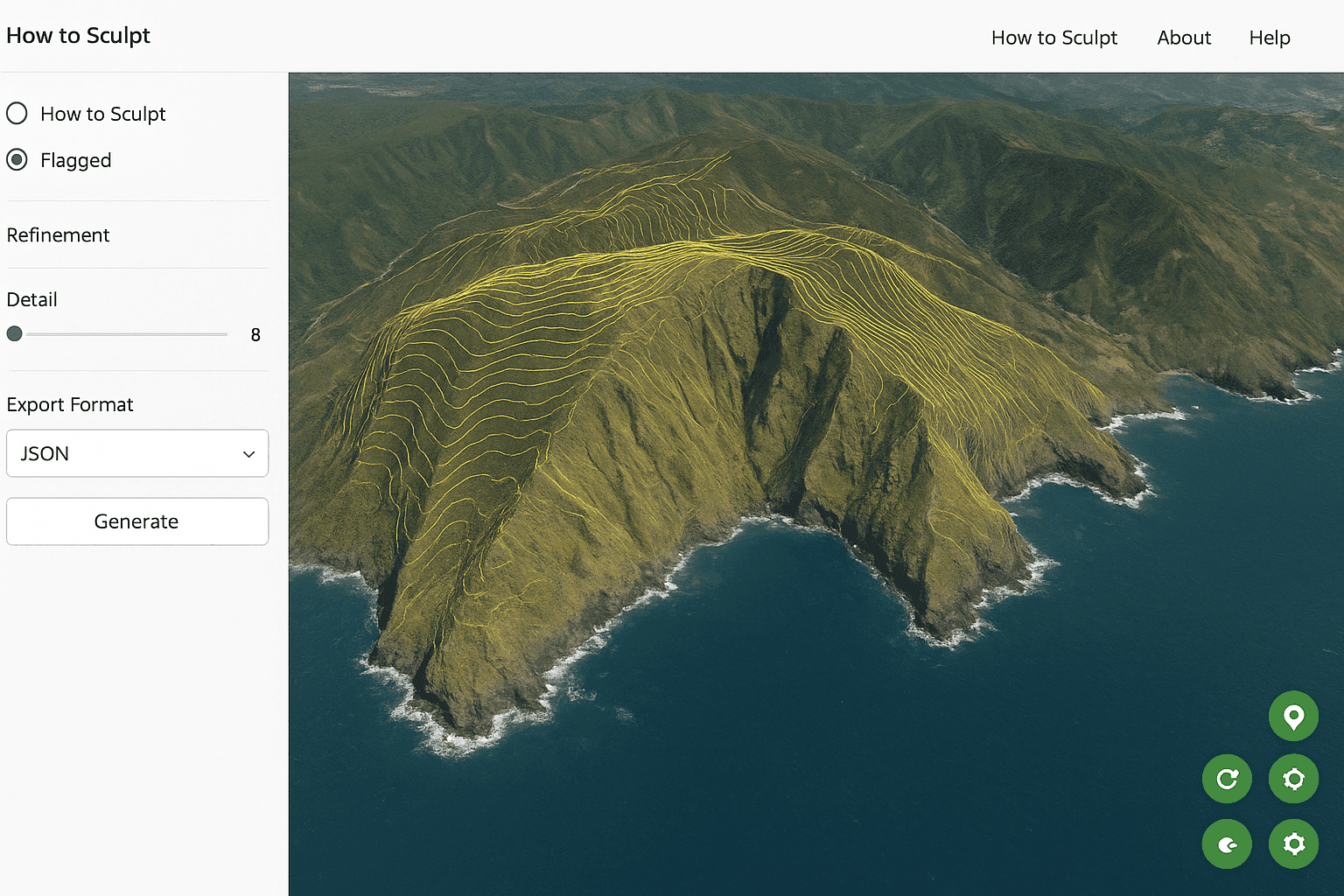
Delivered entirely in the browser, Equator Studios focuses on collaborative web mapping so teams can build, edit, and share an interactive map quickly. Its standout capability is high‑speed access to terrain and LiDAR for engineers, designers, and planners who need accurate elevation data for spatial projects.
4.0 stars
PROS3D map output and streamlined production — handy for publishing cartographic layouts.Shared map workspaces with simple collaboration — ideal for distributed teams.High‑resolution terrain access — excellent for elevation‑driven spatial analysis.Extensive public datasets — quick starts without sourcing new data.Fast creation of site plans and proposal maps — reduces turnaround time.
CONSPersistent internet connection required — offline GIS workflows are limited.Advanced geometry editing is narrow — complex vector edits may need desktop tools.Large datasets can slow performance — optimization may be necessary for big raster or vector layers.Only a light set of geoprocessing tools — power users may miss deeper analysis options.
Top Pick: Fully SaaS GIS Platform
2. Cadcorp — GIS Mapping Software With CAD
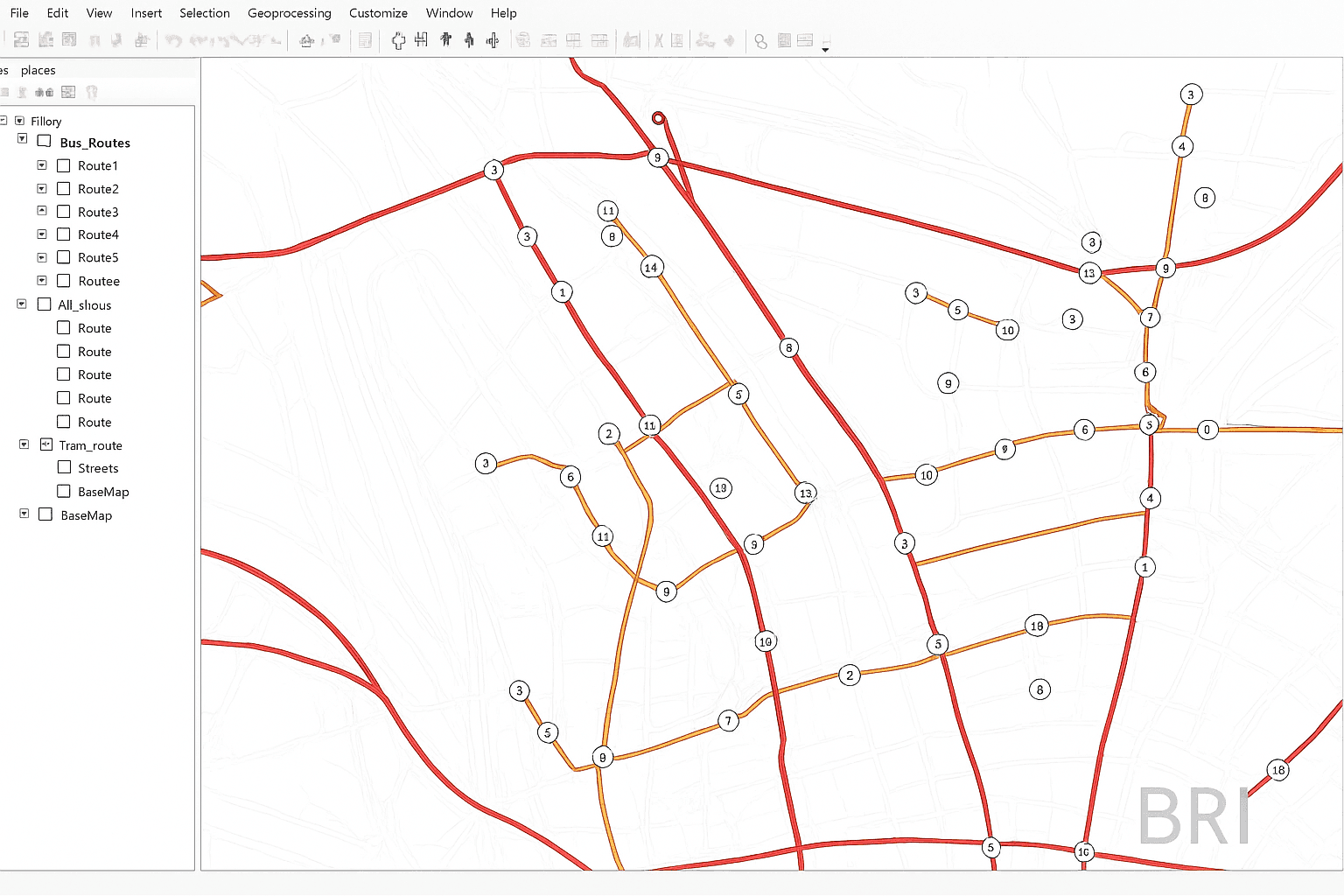
Cadcorp merges CAD and GIS in one environment, offering smooth styling and mapping with an intuitive ribbon approach. Combined with cloud hosting and server tools, it becomes a robust system for serving GIS data and building web apps that connect to enterprise geospatial workflows.
4.0 stars
PROSDesktop ribbon UI is easy to learn — accelerates day‑to‑day mapping.Cadcorp SIS web maps can be authored — publish interactive content for users.Data hosting and cloud serving — manage GIS data centrally and securely.Server deployment for web apps — support enterprise geospatial portals.Developer tooling for customization — extend the platform with your own features.Read‑only SIS Express is free — broad access for viewing spatial data.
CONSNo central community forum — harder to crowdsource answers.Limited remote sensing features — imagery specialists may look elsewhere.Newer product line with fewer references — less background material available.Excellent at CAD/GIS fusion, lighter in other domains — consider needs for raster or advanced analysis.
3. Birdi — Online GIS for Remote Sensing Workflows
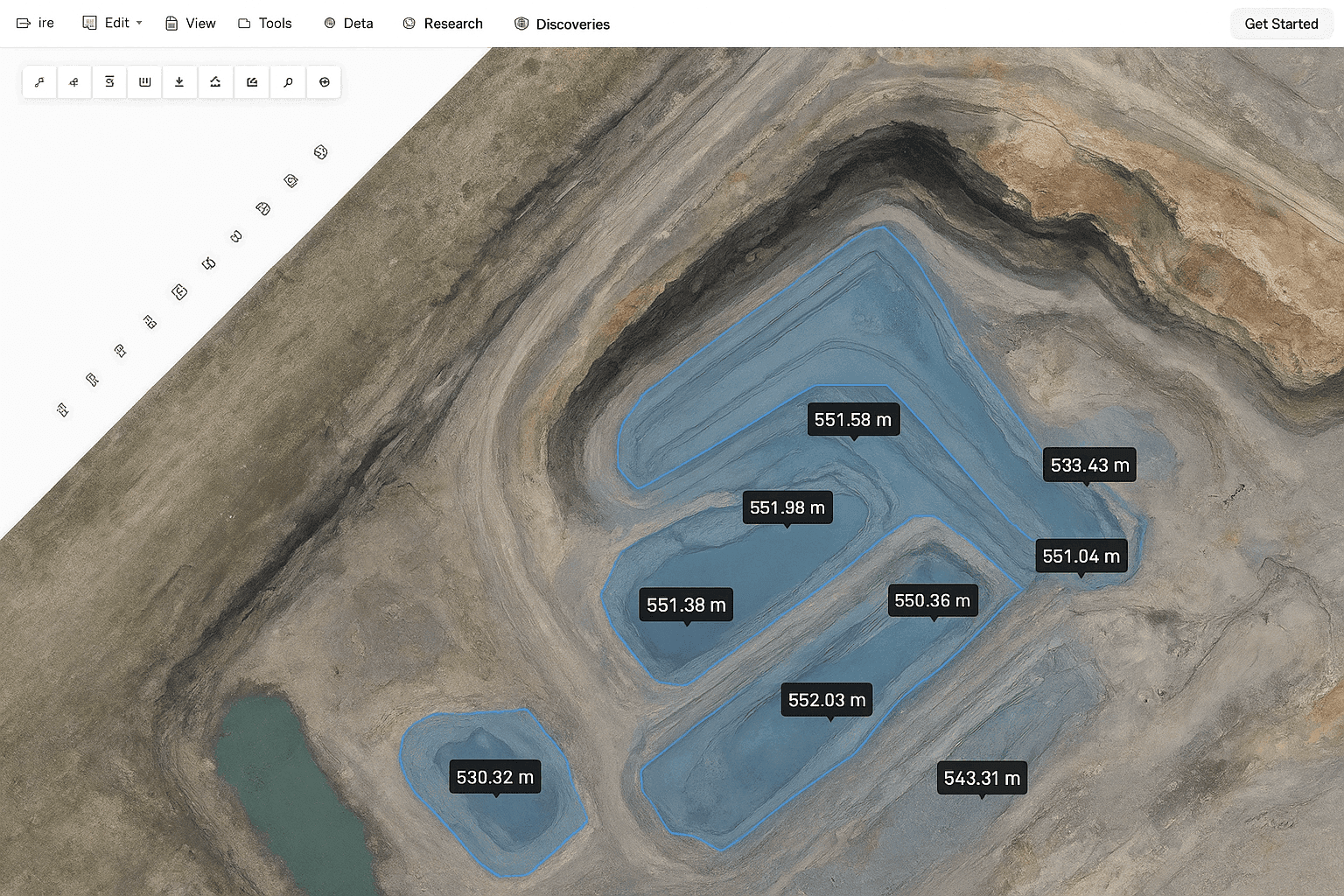
Built for drone programs and asset teams, Birdi turns uploaded flight imagery into orthophotos on a map, then streamlines inspections, severity tagging, and PDF reporting. It’s an online GIS focused on simplifying remote sensing and asset assessment rather than being a full desktop suite.
3.6 stars
PROSInspection‑ready processing of drone imagery — from upload to orthophoto viewing.Asset condition tracking with severity — structured geospatial review.Customizable inspection stages — align workflows to organizational needs.Free tier with core mapping tools — start quickly without cost.Broad support for different drone data — flexible for field teams.
CONSNot intended as a complete GIS application — complements, not replaces, desktop.Report templates have limited flexibility — customization may be constrained.No native flight planning — requires external tools for mission setup.Editing and analysis tools are minimal — advanced spatial analysis belongs elsewhere.
Top Choice: Online GIS for Asset Assessment
4. TatukGIS — Desktop GIS Application
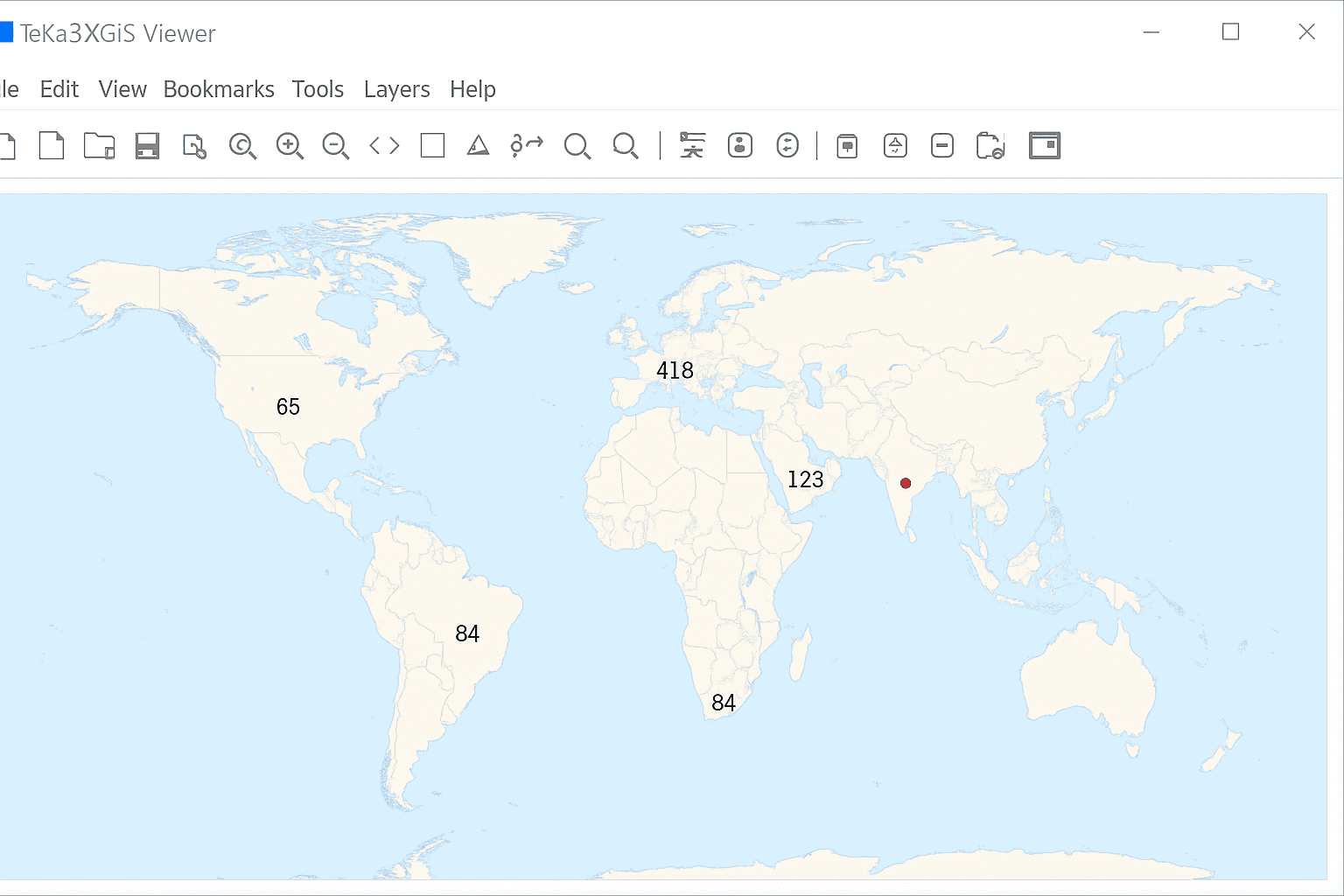
TatukGIS delivers a balanced desktop experience with strong data editing, broad format support, and a capable scripting environment for repeatable workflows. Trivia fans: the name traces back to Tatuk Lake in British Columbia.
3.3 stars
PROSPowerful editing tools for spatial data — efficient vector updates.Extensive API for customization — tailor the GIS to your needs.High‑quality map creation — dependable cartographic output.Rounded feature set that’s easy to approach — suitable for general mapping.Options for mobile web map development — extend projects to the field.Free Viewer and Coordinate Calculator — quick access to core viewing tasks.
CONSInterface feels dated — modern UI expectations may not be met.Lower cost but not free — licenses still apply.Smaller community footprint — fewer peer resources.Toolset is shallower than some commercial leaders — advanced analysis may be limited.Emerging tech features are lighter — fewer AI or cloud‑native options.
Standout: Cross‑Platform GIS for Servers on Windows, Linux, and macOS
5. TNT GIS — Geographic Information System Software
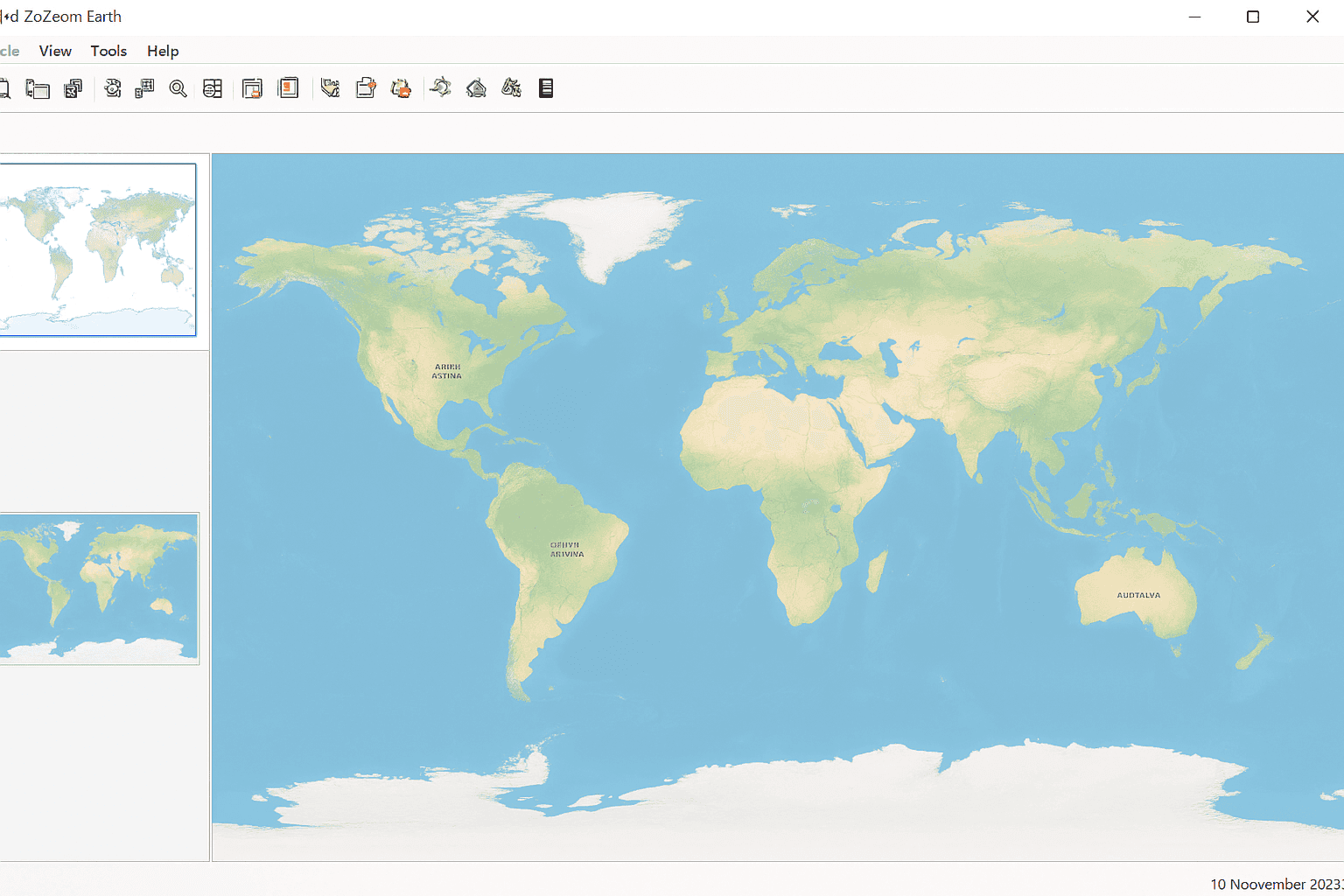
Within the MicroImages family, TNTview provides free viewing, while TNTedit, TNTmips, and TNTscript add editing, analysis, and automation as you step up license levels. It’s a capable package for everyday mapping, analysis tools, and basic editing across raster and vector datasets.
2.6 stars
PROSSurface modeling and terrain analysis — useful for elevation workflows.Broad data support (vector, CAD, LiDAR, TIN, geodatabase) — versatile formats.Automated scripting for repeat tasks — build reproducible pipelines.Solid image processing — workable for remote sensing projects.
CONSReasonably priced but not free — budget for licensing.Older UI design — less polished visualization experience.Fewer version updates — slower release cadence.Documentation and community are lighter — fewer shared solutions.
Best Fit: Core GIS Editing, Mapping, and Basic Analysis
6. MapWindow — Free and Open Source GIS
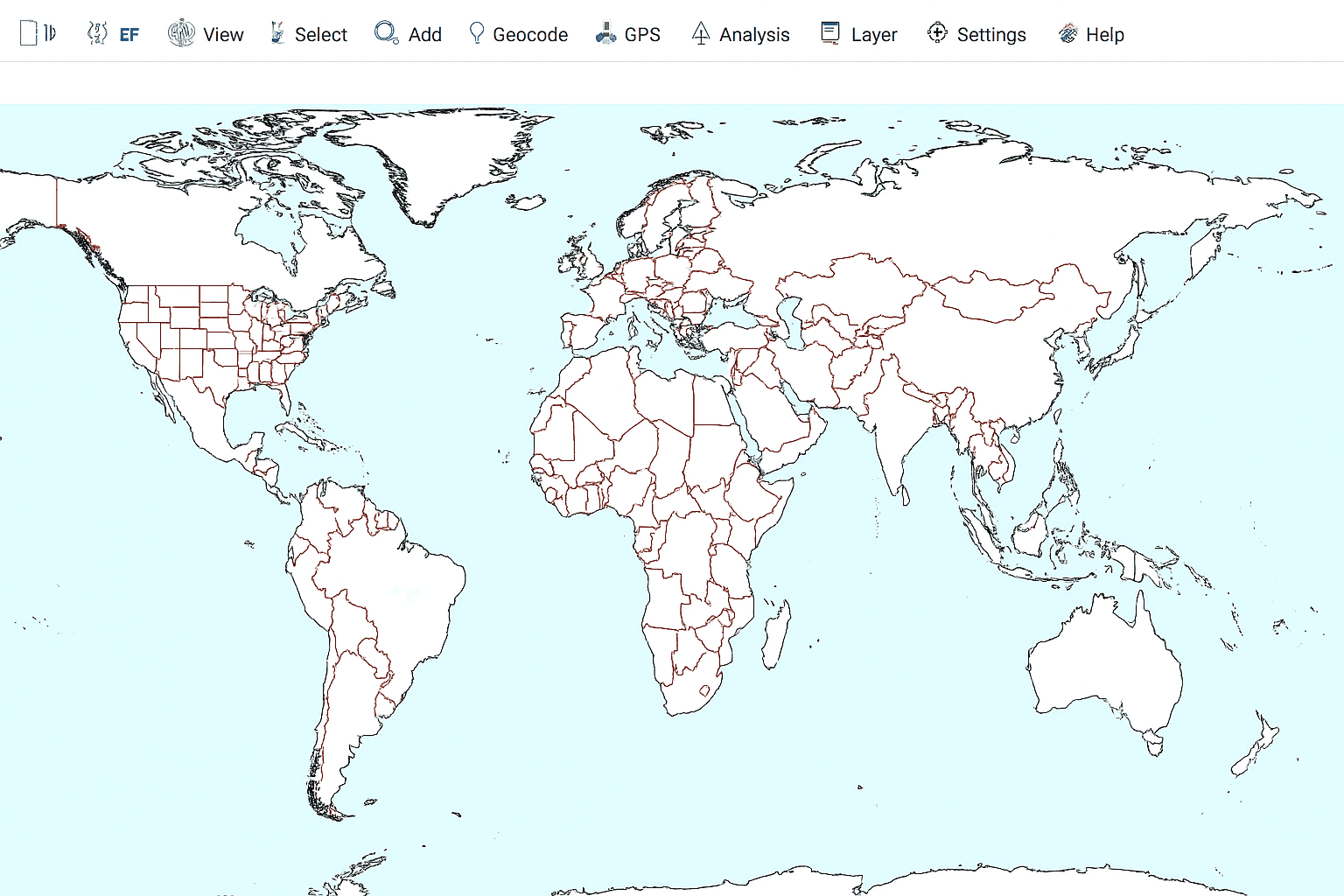
MapWindow is a community‑driven, open source software project that covers a large portion of everyday GIS mapping needs, with a notable focus on hydrology. Some fundamentals can feel rough around the edges, but the volunteer effort makes it a practical option for niche spatial analysis.
2.6 stars
PROSHydrology‑centric tools — strong for watershed and flow analysis.Free and open source — accessible for teams and classrooms.API and MW5 docs — build plugins and extend mapping tools.Plugin architecture — expand functionality over time.
CONSSmaller user base — fewer examples for complex tasks.Support is limited — community resources can be sparse.Coverage outside hydro and remote sensing is modest — may need complementary software.
Top Open Source Pick: Hydrology Analysis (HydroDesktop)
7. OrbisGIS — Open Source Software for Research
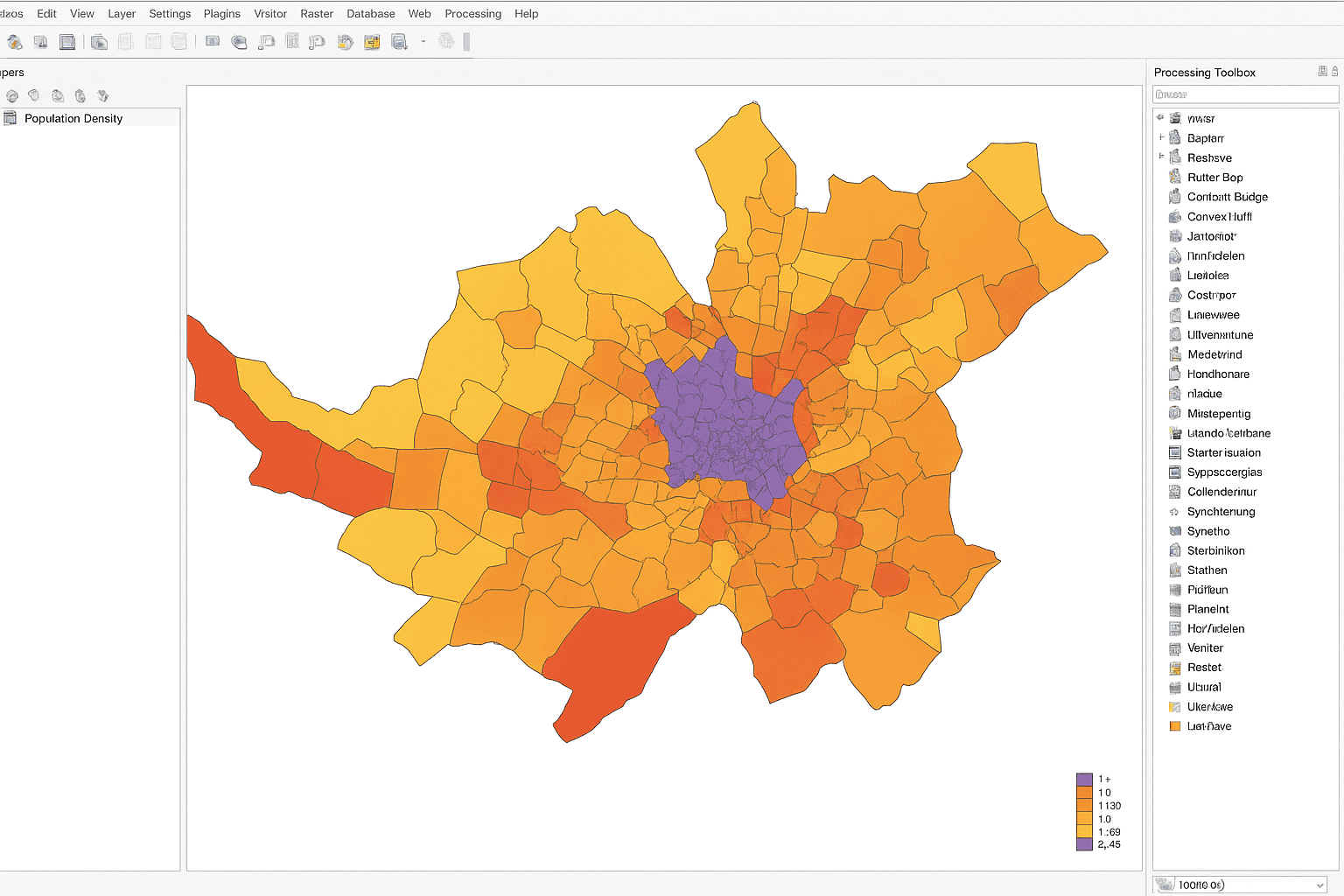
OrbisGIS is an active, research‑oriented project that runs on Linux, Windows, and macOS. As a cross‑platform open source GIS, it targets OGC standards and scientific use cases, though everyday cartographic and analysis features are still evolving.
1.9 stars
PROSTuned for research scenarios — designed by and for scientists.Runs on major operating systems — consistent cross‑platform behavior.OGC‑aligned approach — focuses on interoperability for spatial data.
CONSLightweight cartography and analysis — fewer advanced tools today.No open community forum — discussion channels are limited.
Newcomer: Open Source GIS for Research
8. DIVA-GIS — Specialty GIS Mapping for Biology
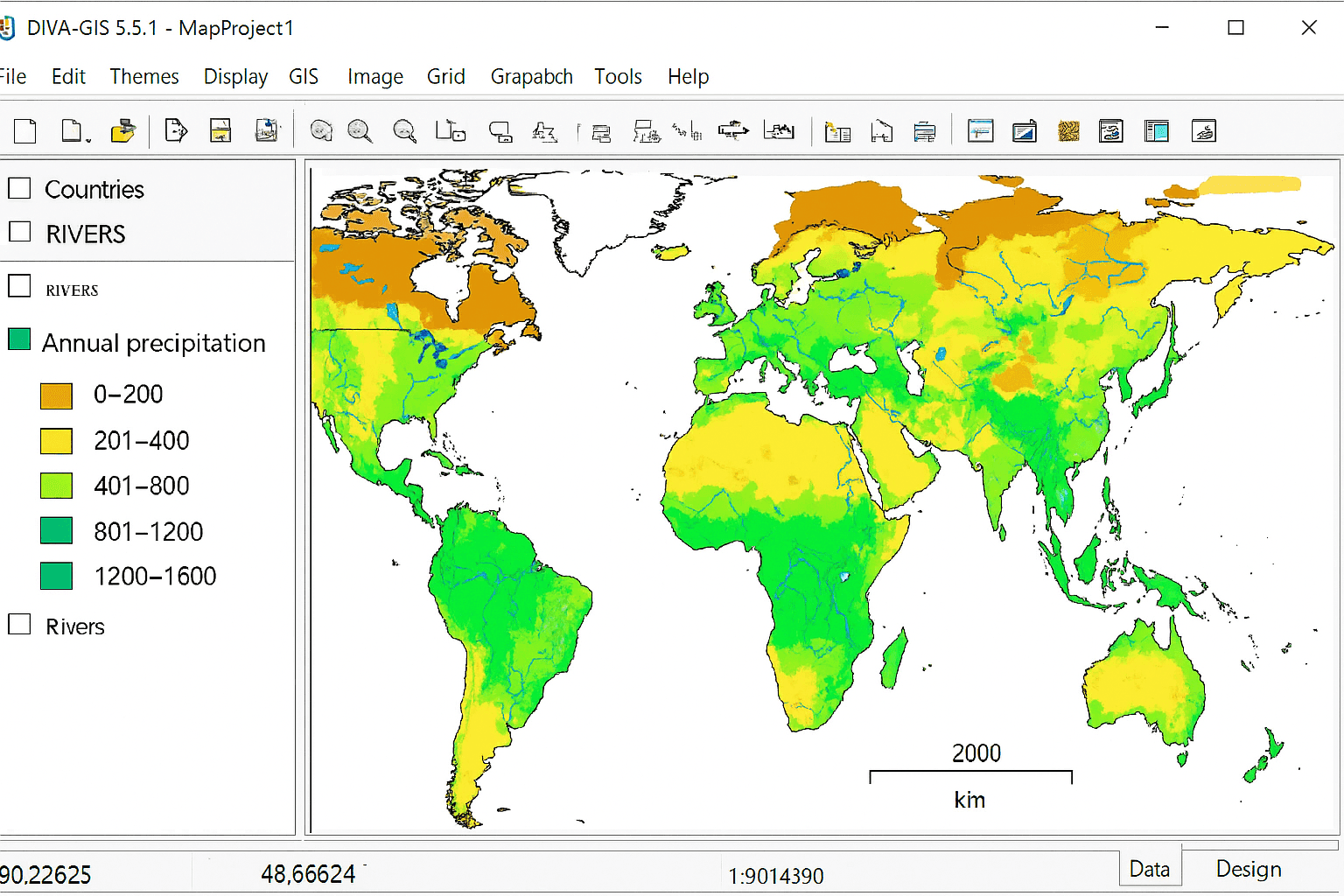
DIVA‑GIS is a compact, open source application used widely by biologists to visualize species richness and distribution. It handles core mapping tasks, but its toolset is intentionally lean for broader cartographic or analysis demands.
1.5 stars
PROSPurpose‑built for biological data — targeted mapping support.Convenient data availability — jump‑start projects quickly.Lightweight and open source — easy to install and run.
CONSOutdated interface — usability feels behind modern GIS.Lean feature set for mapping — may require other tools for spatial analysis.No active community hub — limited peer assistance.
Best Use Case: Biology and Ready‑to‑Use Data Packages
Mapping the Geographic Information Systems Landscape
For anyone working in geospatial, the software choice underpins how you manage spatial data, create maps, and publish interactive results. We’ve outlined the range of GIS mapping software so you can match tools to your workflow. With dozens of options available, which platform aligns with your projects? Share your experience and the GIS tool you rely on most.


