
Machine Learning in Gis


Machine learning in GIS gives a Geographic information system the ability to detect patterns, classify features, and support faster decision-making from geographic data and information. In practice, that means software can read large geospatial data sets, spot details people might miss, and turn raw image or map content into useful analytics for work in construction, engineering, government, and insurance.
When machine learning is paired with spatial analysis, organizations can pull stronger insight from aerial surveys, terrain models, and environmental data. I tend to think of it like adding a smart overlay to a map layer. The base map is still there, but the system starts interpreting what it sees instead of only displaying it.
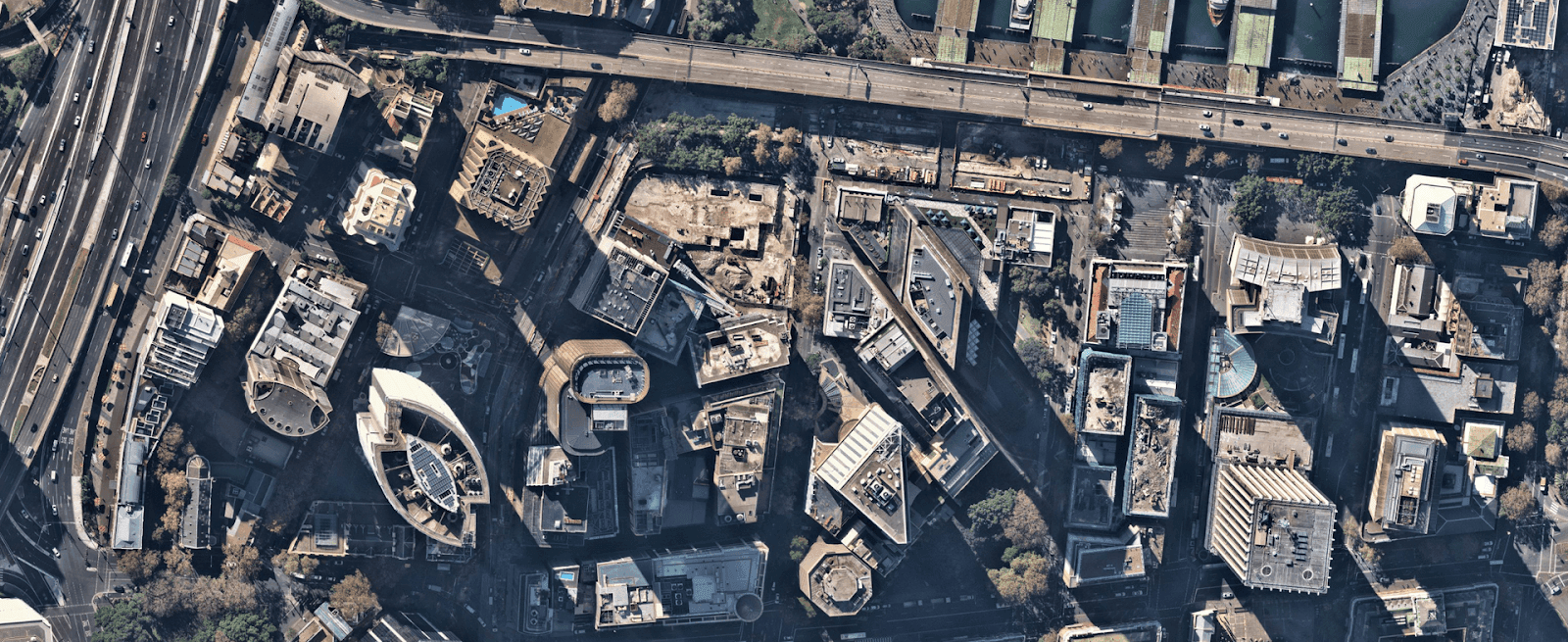
This shift matters because teams need answers quickly. A model trained on image and remote sensing data can help identify surface change, roof condition, vegetation cover, or active site work in far less time than a manual review. Nearmap uses these methods to bring fresh intelligence into everyday geospatial workflows.
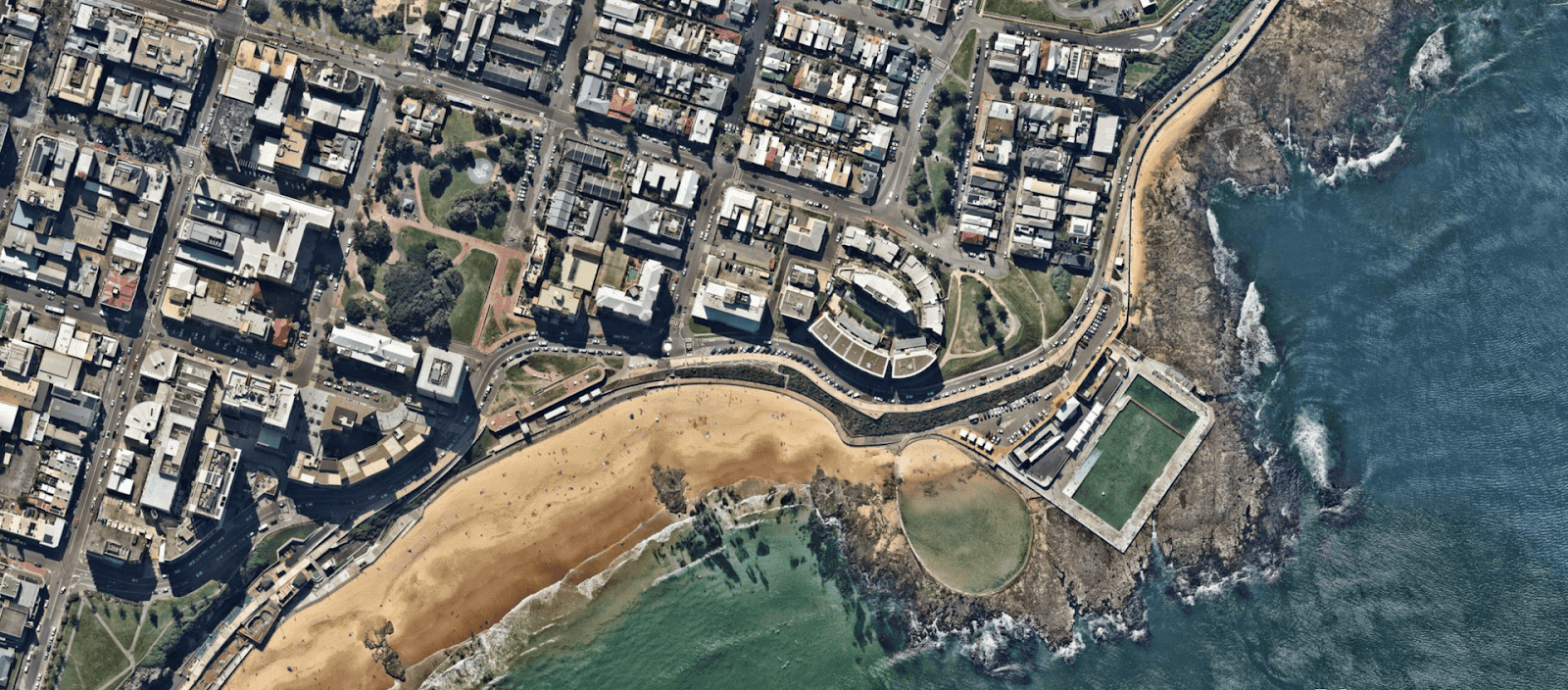
AI Layers
How Geospatial Analysis Uses Machine Learning and GeoAI
For geospatial work, Machine learning means using an algorithm that learns from data and then applies that learning to prediction or statistical classification. Inside GIS, this supports tasks such as feature detection, land cover interpretation, and change analysis across wide areas. GeoAI builds on that foundation by combining artificial intelligence with geographic information system tools, spatial analysis, and high-volume data processing.
These models work best when they can draw from varied spatial inputs, including terrain information, population measures, and climate-related conditions. That mix creates room for stronger pattern recognition and more reliable automation. In urban planning, for example, the value often comes from connecting one map layer to another and seeing how the signals line up.
Nearmap has embedded artificial intelligence and Machine learning into its aerial imagery pipeline so customers can work with insights at scale. As Dr. Michael Bewley, Senior Director of AI Systems at Nearmap, put it:We do AI at the same scale that we do imagery.
We do AI at the same scale that we do imagery.
With each aerial survey, customers can access more than 200 AI-derived insights tied to specific locations, including vegetation and construction activity. From what I have seen in similar systems, that sort of output only becomes useful when the data quality, model training, and delivery pipeline stay tightly aligned.
Benefits of Using Machine Learning in GIS
- Better accuracy and precision by reducing manual error in feature labeling.
- Greater efficiency, with faster movement from image review to usable analytics.
- Stronger prediction when historical records are compared with current observations.
- Improved scalability for large geospatial workloads without losing local detail.
Common Applications Across Industries
- Urban planning - models assess land use and population patterns to support development choices.
- Environmental monitoring - image segmentation helps track land change over time.
- Transportation and logistics - teams use route analysis and traffic review to improve operations.
- Disaster response - current imagery and older records support faster assessment.
The Nearmap Approach to AI and Machine Learning
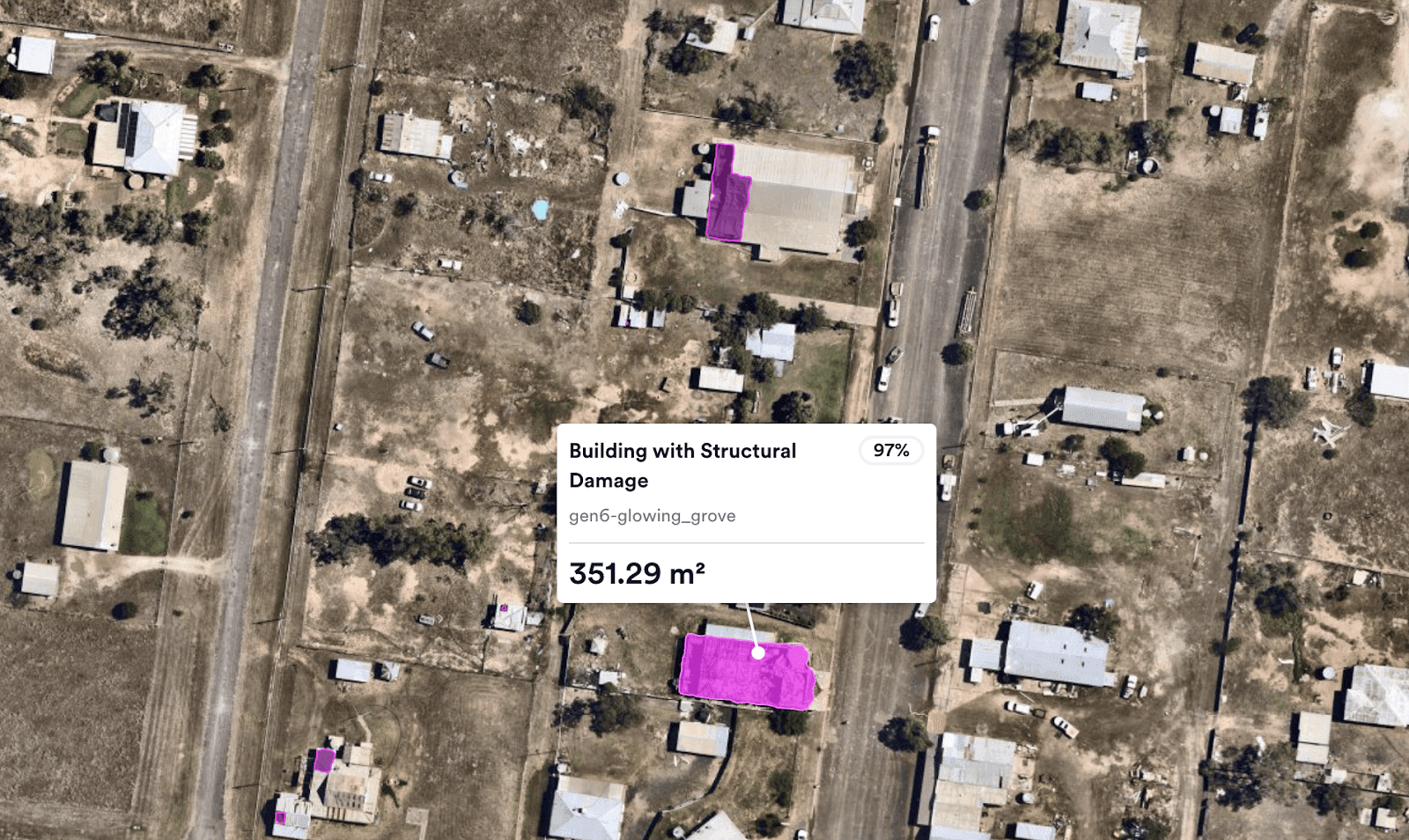
Nearmap has built a connected system that joins aerial imagery with AI and machine learning so customers can work from richer geospatial intelligence. In its recent updates, users can access more than 130 data layers grouped into AI Packs. Those layers cover a broad set of mapped features, including roof condition and surface type.
The company also extends this work into 3D mapping data. High-resolution visual outputs help users understand a site in context, which is often where GIS becomes most useful. A flat image can answer one question, while a 3D view can answer the next one without forcing a separate workflow.
That includes detailed 3D mesh products for planning tasks and a historical library for comparing changes over time. Tools such as these support location intelligence by turning image capture into usable intelligence, then keeping that intelligence accessible in a form teams can act on. In my own reading of the workflow, that is the part that feels most mature. The system is not simply collecting data. It is organizing learning into something operational.
For organizations that rely on accurate geographic insight, this approach can reshape daily workflows and improve decision-making with clearer evidence from the map itself.


